AWS Lambda GPU Workloads: Orchestration, Cost Modeling & Architecture
AWS Lambda execution environments are CPU-only and do not support native NVIDIA GPUs or CUDA drivers. For event-driven GPU workloads, use Lambda as a lightweight control plane dispatching jobs through queues like Amazon SQS to Amazon ECS on EC2 GPU instances, Amazon EKS GPU node groups, or Amazon SageMaker—where instance-hours, egress, and minimum fleet capacity drive your real bill.
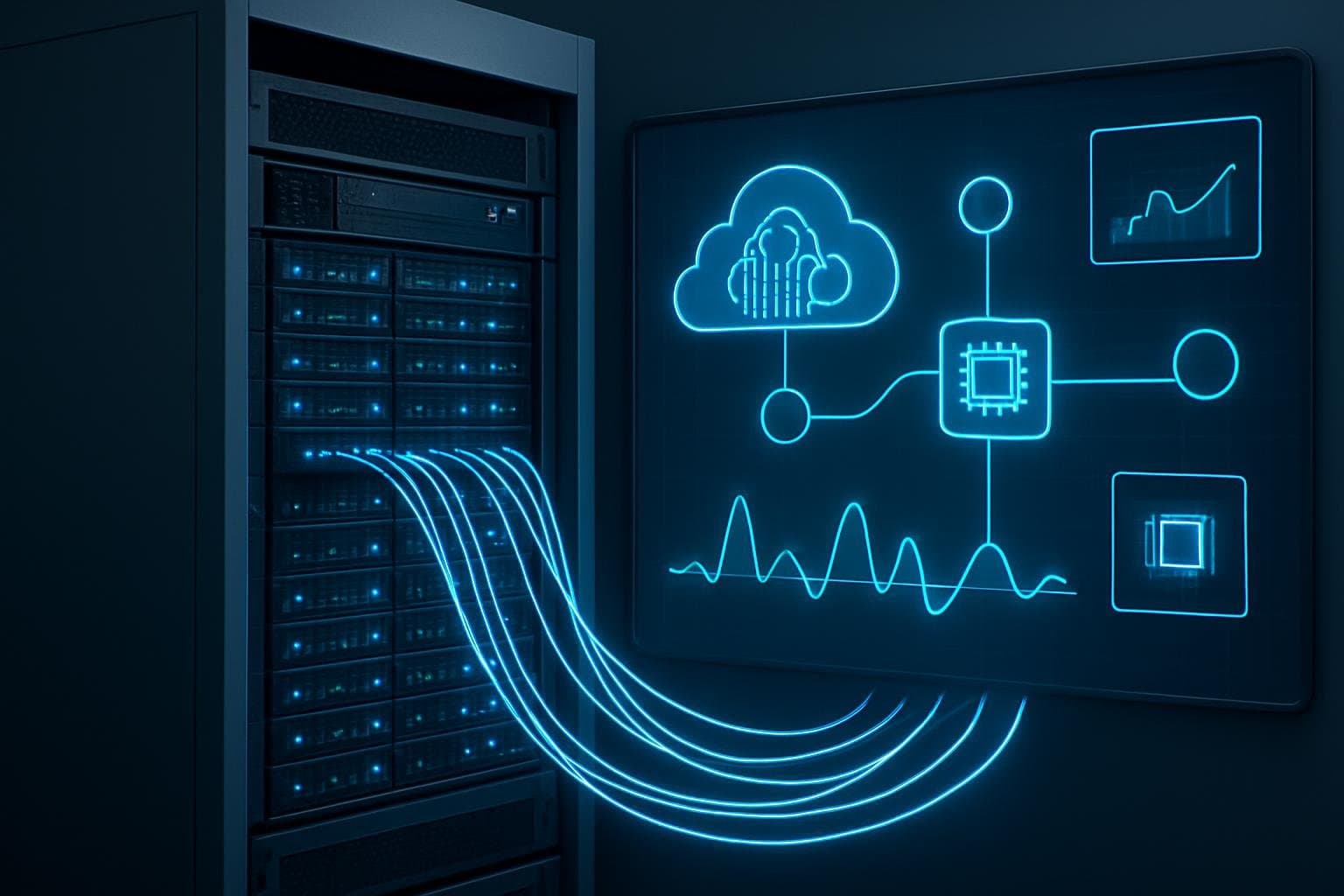
AWS Lambda and GPU Support: Supported Architecture Boundaries

AWS Lambda does not natively provide GPU-enabled execution environments. A Lambda function can use a container image, but Lambda does not expose NVIDIA GPUs, CUDA drivers, GPU resource requests, or GPU memory allocation controls. There is no Lambda “Managed Instance” GPU tier, GPU warm-pool reservation model, or Lambda GPU-specific CloudWatch metric such as GPUModelMemoryUtilization.
For event-driven GPU inference or transcoding, use Lambda as the control plane and dispatch GPU work to a supported compute service:
- Amazon ECS on EC2 GPU instances: Suitable for containerized workers that require NVIDIA GPUs. ECS GPU workloads require the EC2 launch type; Fargate does not provide GPU resources.
- Amazon EKS with GPU node groups: Suitable when Kubernetes scheduling, custom device plugins, or long-running worker services are already in use.
- Amazon SageMaker: Suitable for managed model hosting, batch inference, asynchronous inference, or training workflows.
- Amazon EC2 GPU instances: Suitable when direct host control, custom drivers, or specialized scheduling is required.
Lambda execution environments may be reused by AWS, but that reuse is not a persistent-capacity guarantee. Lambda does not bill a separate mandatory idle-container or warm-pool fee. /tmp is ephemeral storage associated with an execution environment; do not treat it as NVMe storage, do not populate it during an image build, and do not rely on its contents after the environment is retired.
ECS GPU Worker Configuration for Lambda-Dispatched Jobs
The following ECS task definition requests one GPU on an ECS cluster backed by GPU-capable EC2 container instances. Replace the values marked with YOUR_ before registration. The task definition alone does not install NVIDIA drivers: the ECS container instances must use a GPU-capable AMI and have compatible NVIDIA drivers and ECS agent configuration.
{
  "family": "gpu-inference-worker",
  "networkMode": "awsvpc",
  "requiresCompatibilities": [
    "EC2"
  ],
  "cpu": "2048",
  "memory": "8192",
  "executionRoleArn": "arn:aws:iam::YOUR_ACCOUNT_ID:role/YOUR_ECS_TASK_EXECUTION_ROLE",
  "containerDefinitions": [
    {
      "name": "gpu-worker",
      "image": "YOUR_ACCOUNT_ID.dkr.ecr.YOUR_REGION.amazonaws.com/YOUR_REPOSITORY:YOUR_TAG",
      "essential": true,
      "resourceRequirements": [
        {
          "type": "GPU",
          "value": "1"
        }
      ],
      "environment": [
        {
          "name": "MODEL_URI",
          "value": "s3://YOUR_BUCKET/YOUR_MODEL_PATH"
        }
      ],
      "logConfiguration": {
        "logDriver": "awslogs",
        "options": {
          "awslogs-group": "/ecs/gpu-inference-worker",
          "awslogs-region": "YOUR_REGION",
          "awslogs-stream-prefix": "worker"
        }
      }
    }
  ]
}
Use Lambda to validate and enqueue work, then start or scale GPU workers through ECS, EKS, SageMaker, or a queue-driven worker service. For bursty workloads, a queue such as Amazon SQS provides backpressure and decouples request acceptance from GPU availability.
GPU Worker Failures: Symptom, Verification, Output Meaning, and Fix
Start with the checks most likely to isolate an architectural or capacity problem before changing CUDA libraries or rebuilding images.
| Log / Error Message | What It Means | Next Check |
|---|---|---|
TooManyRequestsException from the Lambda Invoke API | Lambda invocation was throttled because of concurrency or request-rate limits. It is not evidence of GPU exhaustion. | Review Lambda Throttles, ConcurrentExecutions, and account/function concurrency settings. Do not blindly retry this error. |
| ECS service event stating that no container instance meets task requirements | The ECS cluster may lack a container instance with an available GPU, CPU, memory, network capacity, or matching placement constraint. | Inspect ECS container-instance remaining resources and task placement events. |
Application log reports torch.cuda.is_available() == False | This is application-generated output, not an AWS service error. The container did not detect a usable CUDA device. | Confirm the task was placed on a GPU EC2 instance, then inspect the host driver and container CUDA compatibility. |
| ECS task stops during image pull or initialization | The stopped reason identifies the relevant layer: image retrieval, task IAM permissions, secrets access, networking, or application startup. | Run aws ecs describe-tasks and inspect stoppedReason and container reason values. |
| CUDA out-of-memory message emitted by the application | The model, batch size, or concurrent work exceeds GPU memory available to that process. AWS does not publish this as a Lambda metric. | Capture application-level GPU telemetry and reduce batch size, concurrency, model size, or assign a larger GPU. |
1. Verify that ECS Can Place the GPU Task
aws ecs describe-container-instances \
  --cluster YOUR_CLUSTER \
  --container-instances YOUR_CONTAINER_INSTANCE_ARN \
  --query 'containerInstances[0].{status:status,registered:registeredResources,remaining:remainingResources}'
Output meaning: A healthy GPU worker host should be ACTIVE and should report GPU resources among its registered resources. If GPU capacity is absent or remaining GPU capacity is zero, ECS cannot place another task requesting a GPU.
Next fix: Add GPU-capable EC2 container instances, stop unused GPU tasks, or adjust the task’s GPU request. Do not remove the GPU request merely to force placement; the application will then run without the hardware it requires.
2. Verify the Actual ECS Task Failure Reason
aws ecs describe-tasks \
  --cluster YOUR_CLUSTER \
  --tasks YOUR_TASK_ARN \
  --query 'tasks[0].{lastStatus:lastStatus,stopCode:stopCode,stoppedReason:stoppedReason,containers:containers[*].{name:name,reason:reason,exitCode:exitCode}}'
Output meaning: A placement failure points to cluster capacity or constraints. An image-pull or resource-initialization failure points to ECR access, task execution-role permissions, networking, or required task resources. A nonzero container exit code indicates that the process started and the application or its dependencies failed.
Next fix: Resolve the reported infrastructure condition first. For example, correct ECR permissions before changing CUDA dependencies, and correct placement capacity before increasing application retry counts.
3. Validate CUDA Only in the Appropriate Environment
A local test can validate a local Docker host with NVIDIA Container Toolkit support:
docker run --rm --gpus all YOUR_IMAGE:YOUR_TAG \
  python3 -c "import torch; print(torch.cuda.is_available()); print(torch.cuda.get_device_name(0) if torch.cuda.is_available() else 'no GPU')"
Output meaning: True confirms only that the image can access a GPU on the local host. It does not validate ECS task placement, EC2 host drivers, IAM permissions, networking, or Lambda behavior.
For ECS, inspect the GPU EC2 host and the running task separately. Use nvidia-smi on the GPU container instance where permitted, and emit application-level measurements for model load time, batch size, process memory, and GPU memory use. Use ldd only against a compiled binary or shared library; it is not a general diagnostic for Python, Node.js, Java, or managed-runtime handlers.
AWS GPU Workload Cost Modeling Without Unsupported Break-Even Claims
There is no universal request-volume, utilization, or invocation-count threshold at which a GPU deployment becomes cheaper. Costs depend on Region, instance family, operating system, purchase option, GPU count, task runtime, minimum capacity, storage, data transfer, logging, queue usage, and interruption tolerance.
Use the billing model of the actual service:
| Architecture | Primary Billing Model | Idle-Cost Characteristic |
|---|---|---|
| Lambda dispatcher | Lambda requests and duration, plus connected services such as SQS, EventBridge, ECR, CloudWatch, and data transfer where applicable | Lambda does not expose a customer-managed GPU warm pool. |
| ECS on EC2 GPU instances | EC2 instance time, EBS, data transfer, and associated AWS services | A running GPU instance incurs cost whether it is busy or idle. |
| EKS GPU node group | EC2 GPU instance time plus EKS, storage, networking, and observability costs | A provisioned GPU node continues to incur instance cost while available. |
| SageMaker managed inference | Depends on endpoint, asynchronous, batch, or other selected deployment mode | Provisioned endpoint capacity generally has cost while deployed; confirm the selected mode’s pricing details. |
Build a reproducible comparison using the AWS Pricing Calculator or the AWS Price List data for a named Region and date. For a GPU worker fleet, a basic monthly model is:
GPU worker cost = running instance-hours × regional hourly instance price + storage + data transfer + observability + queue and orchestration costs
For an autoscaled ECS service, include the configured minimum number of instances or tasks. For a queue-driven fleet that can scale to zero, include startup latency, image pull behavior, model-download time, and the cost of maintaining any underlying EC2 capacity. Spot pricing should be modeled separately because it can reduce price but introduces interruption handling requirements.
Safe Lambda-to-GPU Production Rollout
Use a queue between Lambda and GPU workers rather than synchronously waiting for long GPU jobs whenever the request contract permits. Configure a dead-letter queue or failure destination, set message visibility timeouts longer than the expected job duration, and make workers idempotent so redelivered jobs do not duplicate side effects.
Monitor documented Lambda metrics such as Invocations, Errors, Duration, Throttles, and ConcurrentExecutions. For ECS, monitor task count, task stop reasons, service events, CPU and memory metrics, queue depth, age of oldest message, and application-level GPU telemetry. CloudWatch does not provide a documented Lambda GPU-memory metric because Lambda does not provide GPU execution.
Do not add a custom retry loop that retries TooManyRequestsException. That exception can indicate throttling or exhausted concurrency, and immediate retries can worsen the condition. Prefer queue backpressure, reserved concurrency, dead-letter handling, and the AWS SDK’s documented retry behavior for transient service faults. Treat quota increases and capacity additions as operational changes, not retry conditions.
AWS Lambda GPU Decision: Use Lambda as Orchestrator, Not GPU Runtime
Use Lambda directly for CPU-bound validation, routing, metadata extraction, event transformation, and queue dispatch. Use ECS on EC2, EKS, SageMaker, or EC2 itself for CUDA-dependent inference and media processing.
This split preserves Lambda’s event-driven operational model while placing GPU scheduling, driver compatibility, model lifecycle, and GPU-memory management in services that explicitly support those requirements.
Frequently Asked Questions
Does AWS Lambda natively support GPU execution or CUDA drivers?
No. AWS Lambda does not expose NVIDIA GPUs, CUDA drivers, or a GPU Managed Instance tier. Production workloads use Lambda as an event-driven dispatcher to run containers or endpoints on Amazon ECS on EC2 GPU instances, Amazon EKS, or Amazon SageMaker.
Can AWS Fargate run GPU containers dispatched by Lambda?
No. ECS GPU workloads require the EC2 launch type with GPU-capable instances and compatible NVIDIA drivers installed on the underlying AMI, because Fargate does not expose GPU devices.
How should teams model costs for Lambda-orchestrated GPU pipelines?
Model Lambda invocation and duration charges alongside SQS or EventBridge orchestration fees plus EC2, EKS, or SageMaker GPU worker hours, minimum autoscaling floors, EBS storage, and data transfer for your Region.
Get the Weekly SMB AI & SaaS Brief
Practical software benchmarks, prompt templates, and ROI breakdowns delivered every Tuesday. No fluff, unsubscribe anytime.