Fixing WooCommerce Database Injection: Real Security Costs vs Shopify
To fix a WooCommerce database injection, you must isolate the malicious entry point in your access logs, prune unauthorized admin users via WP-CLI, and run a targeted SQL sanitization script to remove base64-encoded payloads. While WooCommerce offers zero monthly platform fees, the 'Security Debt'—including forensic cleanup, PCI-DSS remediation, and premium WAF costs—often exceeds the $39–$399 monthly subscription of a managed platform like Shopify.
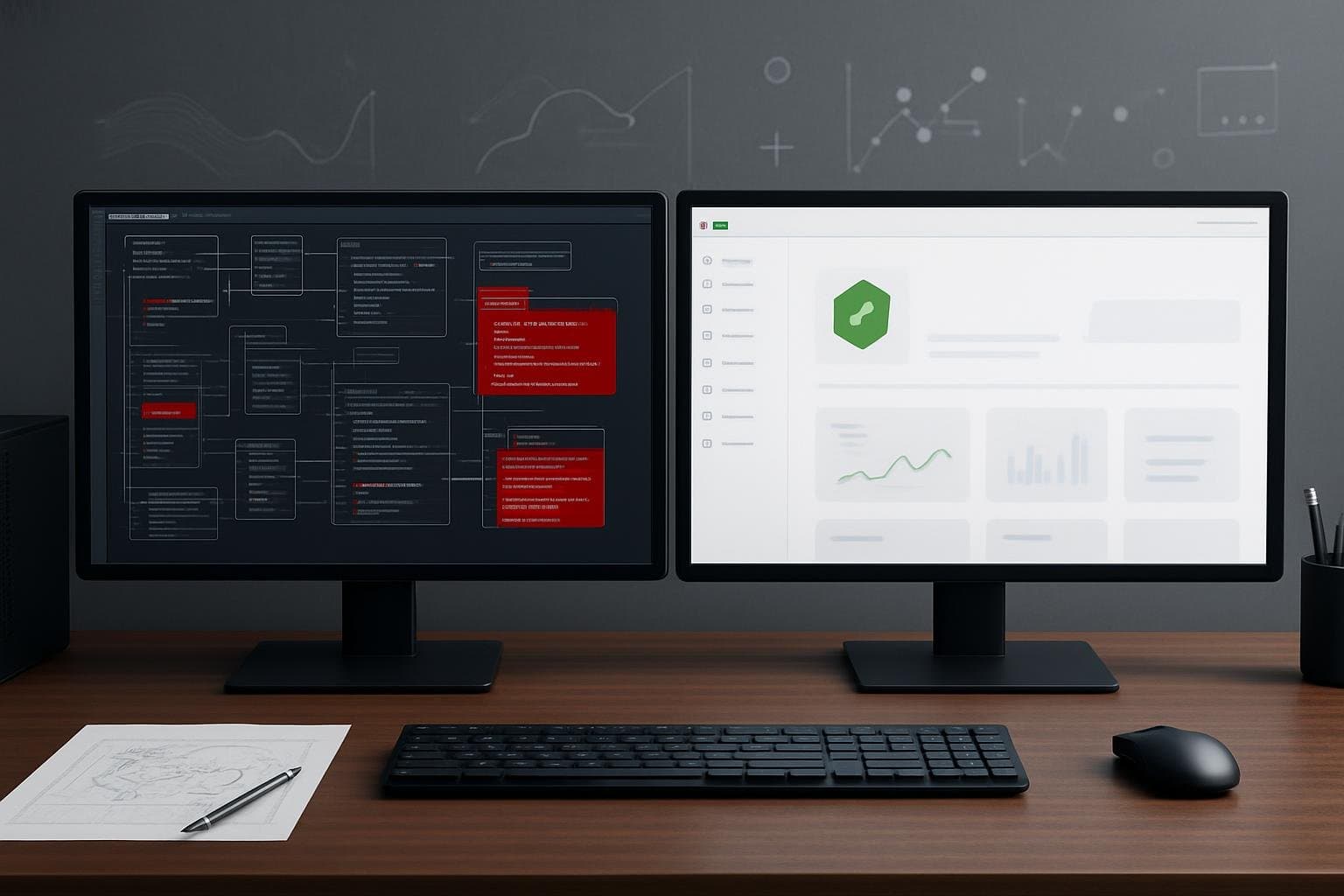
The Hidden Security Tax of Self-Hosted Commerce
Choosing between Shopify and WooCommerce is often framed as a battle of transaction fees versus customization. However, the recent 2026 surge in automated database exploits—mirroring high-profile breaches like the reported NCIC database incident—highlights a third, more volatile variable: Security Debt. When you host your own store, you are the Chief Information Security Officer (CISO). A single vulnerability in a legacy plugin can lead to a database injection that compromises customer PII (Personally Identifiable Information) and halts your revenue stream.
In a self-hosted environment, a breach isn't just a technical failure; it is a unit-economics disaster. You face immediate costs for forensic analysis, developer hours for remediation, and potential PCI-DSS non-compliance fines. Shopify absorbs these risks into its monthly subscription, whereas WooCommerce users must build their own defensive perimeter. If you are currently seeing unauthorized admin accounts or suspicious scripts in your checkout flow, you are likely dealing with a persistent database injection that requires immediate surgical intervention.
Identifying Database Injection and Integrity Failures

Before running any cleanup scripts, you must confirm the nature of the breach. Attackers often target the wp_options or wp_users tables to insert malicious redirects or backdoors. Use the following diagnostic table to map your symptoms to the likely root cause.
| Log / Error Message | What It Means | Next Verification Command / Fix |
|---|---|---|
PHP Notice: Use of undefined constant eval() | Malicious code executing via database option | Check wp_options for active_plugins anomalies |
403 Forbidden on /wp-admin/ | WAF blocking unauthorized admin activity | Run wp user list --role=administrator via SSH |
Duplicate entry '...' for key 'PRIMARY' | Database corruption or script collision | Run CHECK TABLE wp_posts; in MySQL console |
Uncaught ReferenceError: _0x... is not defined | JavaScript skimmer injected into frontend | Inspect header.php and footer.php database hooks |
If your site is redirecting users to external domains during checkout, the injection is likely living in your database's autoloaded options. This allows the malware to persist even if you delete and reinstall the core WordPress files. You must identify the exact timestamp of the breach in your access logs to understand which plugin or theme served as the entry point.
Isolating the Breach: Log Analysis and Entry Point Detection
To stop a recurring breach, you must find the 'Patient Zero' file. Most WooCommerce injections occur via unpatched REST API endpoints or file upload vulnerabilities in third-party plugins. Start by searching your server access logs for POST requests to suspicious files or unusual wp-admin activity from unknown IP addresses.
Run these two diagnostic commands from your server terminal to isolate the threat:
- Check for unauthorized admin users:
wp user list --role=administrator --fields=user_login,user_registered --sort-column=user_registered
If you see a user created at 3:00 AM that you don't recognize, that account is your primary backdoor.
- Search for base64-encoded payloads in the DB:
wp db query "SELECT * FROM wp_options WHERE option_value LIKE '%base64_decode%'"
Legitimate plugins rarely store raw base64 code in the options table. If this returns results, you have found the injection site.
Once identified, do not simply delete the code. You must revoke the permissions of the compromised user and update the plugin that allowed the file upload. If you skip this, the attacker's automated scripts will simply re-inject the payload within minutes of your cleanup.
The Remediation Script: Cleaning Compromised SQL Tables Safely
Cleaning a database manually is risky because WordPress stores much of its configuration in serialized PHP strings. If you edit a string and change its length without updating the serialization count, you will break the site. The following PHP script, designed to be run via WP-CLI, safely identifies and removes common malicious patterns while maintaining data integrity.
<?php
// WooCommerce Database Sanitizer - Run via: wp eval-file sanitize_db.php
// WARNING: Always backup your database before running remediation scripts.

global $wpdb;

$malicious_patterns = [
    '/eval\(base64_decode\(.*\)\)/i',
    '/<script src="https:\/\/[a-z0-9-]+\.ru\/.*">/i',
    '/document\.location\.href.*checkout/i'
];

$tables_to_scan = [$wpdb->options, $wpdb->postmeta, $wpdb->usermeta];

foreach ($tables_to_scan as $table) {
    $results = $wpdb->get_results("SELECT * FROM $table");
    foreach ($results as $row) {
        $column_name = (isset($row->option_value)) ? 'option_value' : 'meta_value';
        $primary_key = (isset($row->option_id)) ? 'option_id' : 'meta_id';
        $original_data = $row->$column_name;

        // Handle serialized data safely
        $is_serialized = is_serialized($original_data);
        $data_to_check = ($is_serialized) ? unserialize($original_data) : $original_data;

        $clean_data = preg_replace($malicious_patterns, '', $data_to_check);

        if ($clean_data !== $data_to_check) {
            $final_data = ($is_serialized) ? serialize($clean_data) : $clean_data;
            $wpdb->update($table, [$column_name => $final_data], [$primary_key => $row->$primary_key]);
            echo "Fixed ID {$row->$primary_key} in $table\n";
        }
    }
}
echo "Sanitization Complete. Verify site functionality immediately.\n";
After running the script, immediately reset all salt keys in wp-config.php. This forces a logout for every user, including the attacker, and invalidates any stolen session cookies. This is a critical 'Safe Fix' before you begin hardening the site for production.
Calculating the Unit Economics of E-commerce Security Debt
When comparing Shopify vs WooCommerce fees, most founders only look at the monthly bill. But for a business doing $1M/year, the 'Security Tax' of WooCommerce can be staggering. In a managed environment like Shopify, the platform handles PCI-DSS Level 1 compliance, patching, and DDoS protection. In WooCommerce, you are responsible for the following annual costs:
- Premium WAF (Cloudflare/Sucuri): $240–$600/year
- Malware Scanning & Backups (Jetpack/BlogVault): $120–$300/year
- Emergency Developer Intervention (Average 10 hrs/yr): $1,500–$2,500/year
- PCI-DSS Compliance Self-Assessment (Time cost): $500/year
Totaling these reveals a 'Hidden Fee' of ~$3,000/year ($250/month) just to maintain baseline security parity with a Basic Shopify plan. If your internal team spends more than 5 hours a month managing updates and security alerts, the ROI of WooCommerce evaporates. For many digital businesses, the shift to Shopify isn't about features; it's about offloading the liability of a potential breach to a provider with a multi-billion dollar security budget.
Verifying Integrity and Hardening the Revenue Pipeline
Once the database is clean, you must verify that the fix is permanent. Check your wp-content/uploads folder for any .php files; there should be none. Use a tool like Plausible vs GA4 Privacy: 2026 Analytics Comparison to ensure your tracking scripts are legitimate and not sending data to unauthorized third-party endpoints.
Finally, implement a 'Zero Trust' approach to your WooCommerce admin. Limit wp-admin access to specific IP addresses and enforce hardware-based 2FA for all administrator accounts. If the cost and complexity of these steps feel overwhelming, it is a clear signal that your business has outgrown the self-hosted model. The goal of your digital infrastructure should be to facilitate revenue, not to provide a playground for forensic database repair.
Frequently Asked Questions
Will cleaning my database delete my customer orders?
If performed correctly using serialized-aware scripts (like the one provided), your order data remains intact. The script targets specific malicious patterns in the options and meta tables, not the core transaction data in the `wc_orders` tables.
Does Shopify charge extra for security features?
No. Unlike WooCommerce where you pay for third-party security plugins, Shopify includes SSL, PCI-DSS Level 1 compliance, and DDoS protection in all plans. However, you are still responsible for securing your own staff accounts with 2FA.
How do I know if my WooCommerce site is PCI compliant?
Most WooCommerce stores must complete a Self-Assessment Questionnaire (SAQ-A or SAQ-A-EP). If you store card data on your own server (which is highly discouraged), the compliance requirements become significantly more expensive and technically demanding.
Get the Weekly SMB AI & SaaS Brief
Practical software benchmarks, prompt templates, and ROI breakdowns delivered every Tuesday. No fluff, unsubscribe anytime.