Hardware vs Software Passkeys: 2026 Security and Cost Guide
Hardware passkeys (YubiKeys) provide the highest security by isolating private keys in dedicated, tamper-resistant hardware, making them immune to remote extraction. Software passkeys managed by tools like 1Password offer superior deployment speed and cross-device synchronization but rely on the security of the host operating system's keychain or the password manager's vault.
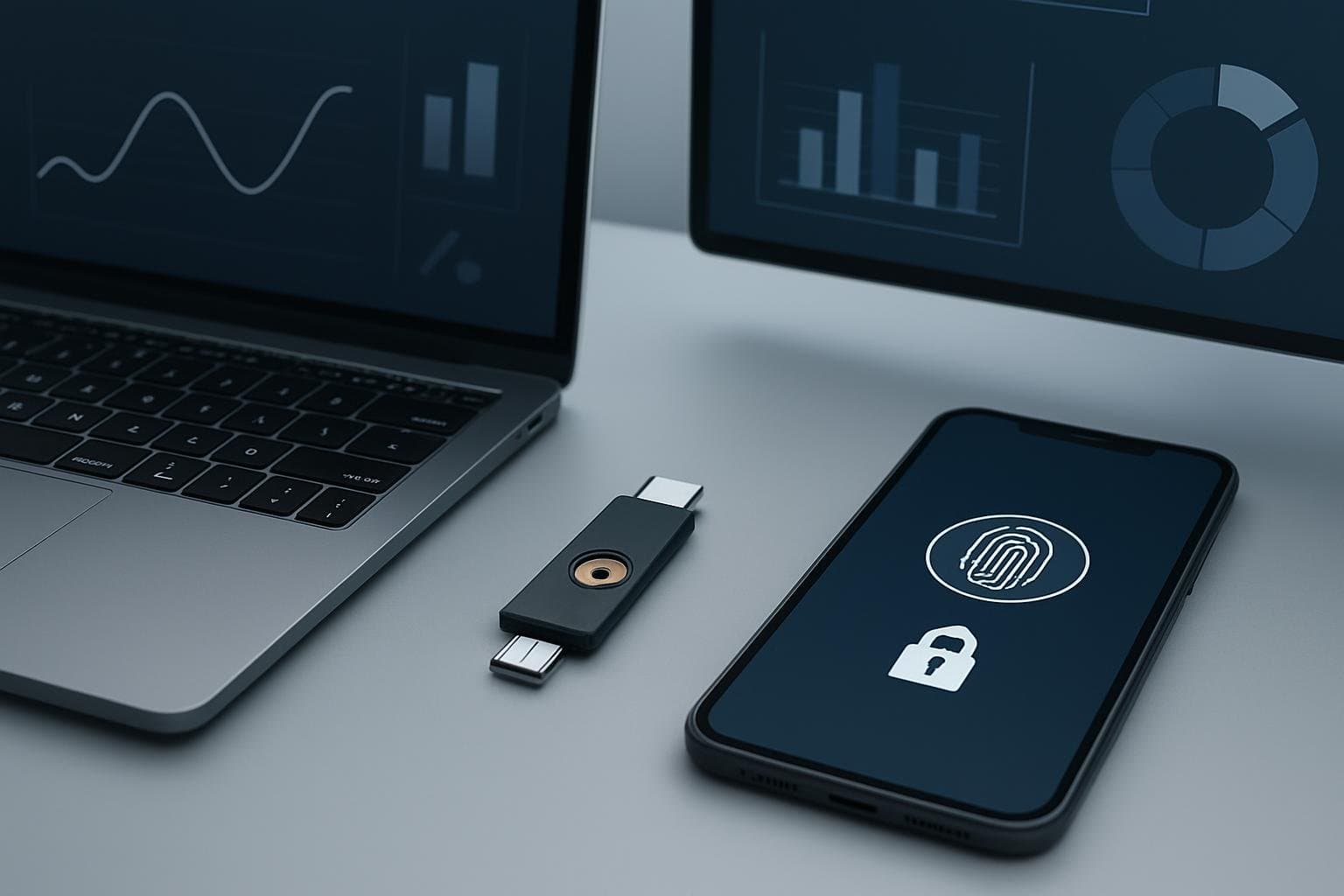
The Phishing Failure of Legacy 2FA Authenticator Apps
Legacy multi-factor authentication (MFA) methods, such as SMS codes and Time-based One-Time Passwords (TOTP), are increasingly vulnerable to sophisticated adversary-in-the-middle (AiTM) attacks. Recent security patches in platforms like WhatsApp highlight how even encrypted communication tools face risks from Android-based overlay attacks and session hijacking. When a user enters a TOTP code into a lookalike phishing page, the attacker captures both the password and the code in real-time, gaining immediate access to the account.
Passkeys, based on the FIDO2 and WebAuthn standards, eliminate this vulnerability by using public-key cryptography. Unlike a six-digit code, a passkey is never shared with the server. Instead, the server sends a challenge that the user's device signs locally. This signature only works if the domain name (e.g., dashboard.okta.com) matches the origin registered during setup. If you are on a phishing site, the browser or hardware key will refuse to sign the challenge, stopping the attack instantly.
For distributed teams in 2026, the decision is no longer whether to move to passkeys, but whether to host those passkeys in dedicated hardware or within a managed software vault. Each path has distinct implications for your security posture, onboarding friction, and long-term operational costs.
Hardware Security Keys: The Air-Gapped YubiKey Standard
Hardware security keys, such as the YubiKey 5 Series, represent the gold standard for phishing resistance. These devices are purpose-built to store cryptographic material in a secure element that cannot be accessed or exported, even if the host computer is fully compromised by malware. They do not require a battery or an internet connection to generate signatures, relying instead on physical contact (touch) or NFC to authorize a login.
In a Zero Trust architecture, hardware keys serve as a definitive "something you have" factor that is decoupled from the user's primary device. This is critical for roles with elevated privileges, such as DevOps engineers with production database access or financial officers managing corporate treasury. If an employee's laptop is stolen or infected with a keylogger, the attacker still cannot authenticate without the physical key.
However, hardware keys introduce logistical challenges. You must physically ship devices to remote employees, manage replacements for lost keys, and ensure users have backup keys registered. For a lean startup, the upfront cost of $55 to $95 per user can be significant compared to software-based alternatives.
Software Passkeys: 1Password and Bitwarden Sync Workflows
Software passkeys leverage the same FIDO2/WebAuthn protocols but store the private keys in a software-based vault, such as 1Password, Bitwarden, or the built-in OS keychain (iCloud Keychain or Windows Hello). The primary advantage of this approach is convenience and recovery. 1Password allows users to sync their passkeys across their laptop, tablet, and smartphone, ensuring they are never locked out if they lose a single device.
From a management perspective, software passkeys are significantly easier to deploy to a global workforce. There is no physical inventory to manage; you simply provision a 1Password Business seat, and the user can begin creating and using passkeys immediately. This drastically reduces the "Time to Security" for new hires.
| Error / Log Message | What It Means | Next Verification Command / Fix |
|---|---|---|
NotAllowedError | User cancelled the biometric prompt or the request timed out. | Check if the browser has permission to access the local authenticator. |
InvalidStateError | The authenticator is already registered for this account. | Verify the excludeCredentials list in your WebAuthn config. |
SecurityError | The Relying Party ID (RP ID) does not match the current domain. | Check the rp.id in your server-side configuration; it must match the hostname. |
While highly secure, software passkeys are technically "exportable" within the context of the password manager's ecosystem. If an attacker gains full control of a user's 1Password account through an unrelated vulnerability, they theoretically gain access to all associated passkeys. This is why software passkeys are often viewed as a tier-two security measure compared to non-exportable hardware keys.
Technical Comparison: Hardware vs Software Credentials
When evaluating these tools for 2026 compliance and security, you must look at the hard limits of the technology. Hardware keys are limited by physical storage; a YubiKey 5 can typically store around 25 FIDO2 credentials. Software managers have virtually unlimited storage. For a developer managing dozens of staging, production, and third-party environments, the hardware limit can become a bottleneck.
| Feature | YubiKey 5C NFC (Hardware) | 1Password Business (Software) |
|---|---|---|
| Phishing Resistance | Absolute (Domain-bound) | Absolute (Domain-bound) |
| Credential Portability | Physical (Plug-in/NFC) | Digital Sync (Cloud-based) |
| Private Key Export | Impossible | Possible (within vault export) |
| 2026 Pricing | ~$55.00 (One-time per key) | ~$7.99 /user/month |
| Recovery Method | Physical Backup Key | Account Recovery Kit / Admin Reset |
| Best For | Admins, DevOps, High-Risk Roles | General Staff, Marketing, Sales |
For a deeper look at securing your infrastructure, see our guide on Essential Cybersecurity Architecture for Remote Teams: Zero Trust, Passkeys, and Data Hygiene. Hardware keys excel in environments where the "endpoint" itself is untrusted. Software keys excel in environments where employee productivity and seamless cross-device workflows are the priority.
Implementation Runbook: Deploying WebAuthn for Distributed Teams
To implement passkeys, you must configure your identity provider (IdP) or your own application to handle the WebAuthn ceremony. Below is a cohesive example of how a registration challenge is structured for a FIDO2-compliant authenticator. This logic applies whether the user is plugging in a YubiKey or triggering a 1Password browser extension.
// Example: WebAuthn Registration Challenge Configuration
const registrationOptions = {
    challenge: Buffer.from('random_challenge_string_from_server'),
    rp: {
        name: "OX0X Tech Portal",
        id: "ox0x.com" // Must match the actual domain exactly
    },
    user: {
        id: Buffer.from('user_id_12345'),
        name: "engineering@ox0x.com",
        displayName: "Engineering Lead"
    },
    pubKeyCredParams: [{ alg: -7, type: "public-key" }], // ES256 algorithm
    authenticatorSelection: {
        authenticatorAttachment: "cross-platform", // Use "platform" for software, "cross-platform" for YubiKey
        userVerification: "preferred"
    },
    timeout: 60000,
    attestation: "direct"
};

// Trigger the browser's credential creation
navigator.credentials.create({ publicKey: registrationOptions })
    .then((credential) => {
        // Send the credential to your server for verification
        console.log("Registration successful:", credential);
    })
    .catch((err) => {
        console.error("Registration failed:", err.name, err.message);
    });
When deploying, start with a "Safe Fix" approach: Enable passkey support in your IdP (like Okta or Google Workspace) but keep TOTP as a backup for the first 30 days. Once you verify that your remote team can successfully authenticate using their chosen method, you can move to a "Passkey-Only" policy for high-risk accounts. If you are managing remote server access, consider integrating these keys with a Zero Trust SSH Setup to eliminate static SSH keys entirely.
Final Verdict: Hybrid Deployment for 2026 Compliance
The most cost-effective and secure strategy for a B2B SaaS startup is a tiered hybrid model. Relying solely on hardware keys is expensive and logistically heavy for a 50+ person team. Relying solely on software passkeys leaves a small but non-zero risk of vault compromise.
Scenario A: The Lean Startup (1-20 employees) Focus on software passkeys via 1Password or Bitwarden. The cost is predictable, and the friction is low. Ensure that the "Owner" and "Admin" roles in your cloud console (AWS/GCP) are protected by at least two physical YubiKeys stored in separate geographic locations.
Scenario B: The Scaling Enterprise (50+ employees) Mandate hardware security keys for all engineering and finance personnel. Use software passkeys for sales and marketing teams to ensure high adoption. This satisfies most SOC 2 and ISO 27001 requirements for phishing-resistant MFA while keeping the per-user hardware cost manageable. Always provide a clear runbook for "lost key" scenarios to prevent developer downtime.
Frequently Asked Questions
Can I use a YubiKey and 1Password passkeys on the same account?
Yes. Most modern services allow you to register multiple FIDO2 authenticators. It is a security best practice to register a hardware key as your primary method and a software passkey or a second hardware key as a backup.
What happens if an employee loses their YubiKey?
If you have not registered a backup key, the user will need an administrative reset. In a Zero Trust setup, this usually involves a manual identity verification video call before the IT admin issues a temporary bypass code or registers a new device.
Are software passkeys compliant with SOC 2?
Yes. SOC 2 requires 'multi-factor authentication' and 'phishing resistance' for higher maturity levels. Both hardware and software passkeys meet the FIDO2 standard for phishing resistance, though hardware keys are viewed more favorably during audits for high-privileged access.
Get the Weekly SMB AI & SaaS Brief
Practical software benchmarks, prompt templates, and ROI breakdowns delivered every Tuesday. No fluff, unsubscribe anytime.