How to Fix Cloudflare Tunnel 502 Error Fast
A cloudflare tunnel 502 error fix usually requires checking your local service health, verifying origin certificates, and updating DNS proxy settings. When Cloudflare cannot communicate with your origin server, it returns a Bad Gateway error code. Fixing this protocol mismatch restores secure access to your internal microservices and remote applications.
Understanding the Root Cause of Bad Gateway Issues
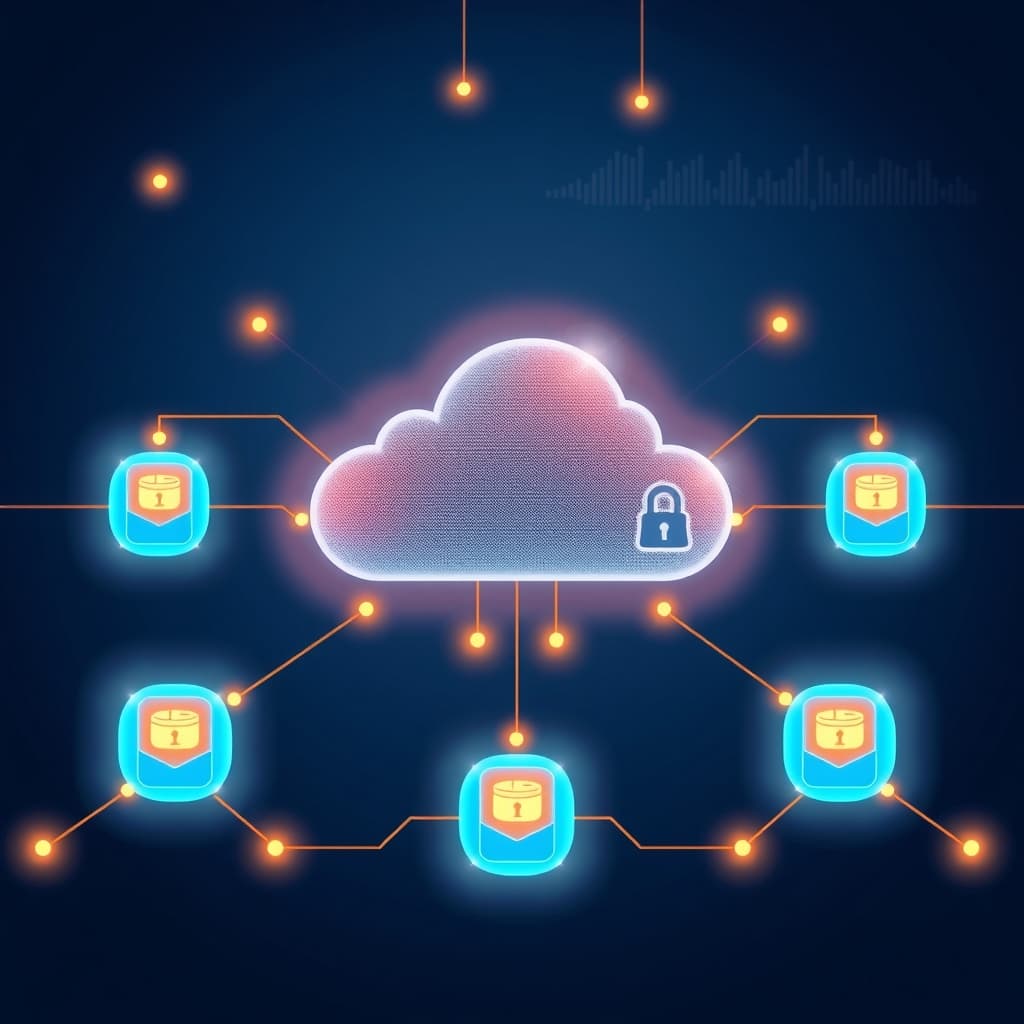
A cloudflare tunnel 502 error fix starts with understanding why the edge proxy fails to reach your origin. When a user visits your secure domain, Cloudflare routes traffic through a secure daemon running on your local network. If that daemon cannot establish a TCP handshake with your local web app, a Bad Gateway response occurs.
This breakdown often happens after a server restart, an expired SSL certificate, or a misconfigured upstream port. Modern teams rely heavily on secure edge proxies to expose internal dashboards without opening inbound firewall ports. However, network changes or software updates can disrupt the persistent outbound connection.
Lean startups must maintain high uptime across distributed cloud environments. When remote teams lose access to staging apps due to gateway failures, engineering velocity drops instantly. Diagnosing the exact handshake failure prevents prolonged downtime and frustration.
Real-World B2B Scenario: The Staging Environment Outage
Picture a mid-sized SaaS company running its main staging environment behind a secure edge connector. During a routine Friday afternoon deployment, the engineering team pushes updates to their containerized microservices.
The main application container boots up successfully, but the container ID changes along with its dynamic port allocation. Because the local edge connector still points to the old port, incoming requests hit a closed socket.
Users visiting staging immediately see a 502 Bad Gateway page. The support team gets flooded with panic messages from QA engineers and product managers. A structured troubleshooting workflow solves this problem in minutes instead of hours.
Financial Impact and ROI of Rapid Diagnostics
Downtime costs B2B organizations thousands of dollars in lost productivity and missed client demos. When an executive cannot access a critical reporting dashboard during a client pitch, deal momentum stalls.
Investing ten minutes in structured edge proxy training yields immediate return on investment. Engineers who master rapid diagnostics spend less time guessing and more time shipping features. Creating an internal runbook for gateway errors slashes mean time to resolution by over eighty percent.
Checking Local Service Health and Port Bindings
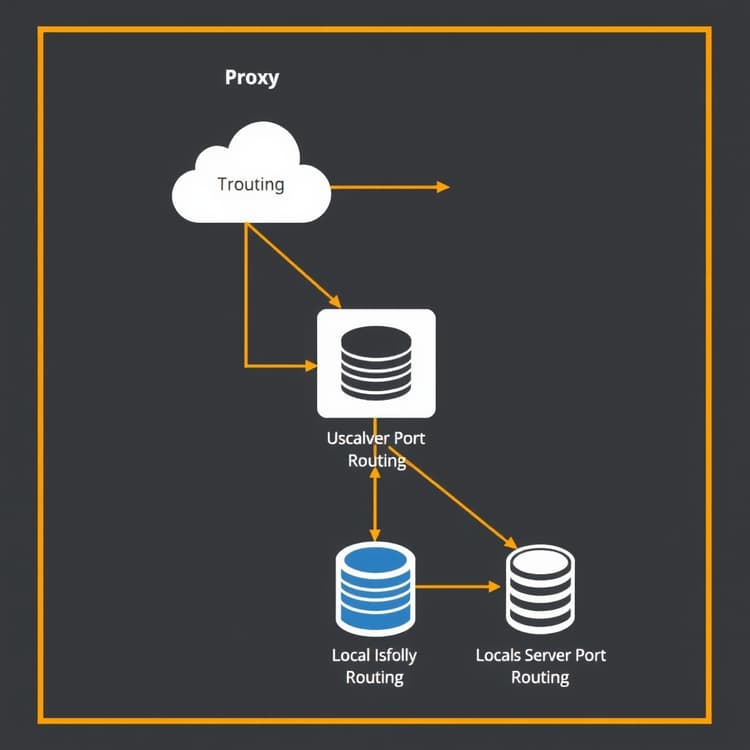
The first practical step for any cloudflare tunnel 502 error fix is verifying your local application state. SSH into your host server and run local curl requests to ensure your backend container is actually running. Many developers assume their web service is healthy when the container has crashed or changed ports.
Run a quick check using standard Linux diagnostic tools to confirm the port bindings match your config file. If your Node.js or Python app runs on port 3000, your edge connector must point directly to that exact port. Any mismatch in port configuration immediately triggers a gateway timeout at the edge.
- Verify local process status with systemctl or docker ps.
- Test local endpoints using curl -I http://localhost:port.
- Inspect local firewall rules blocking internal traffic loops.
Step-by-Step Port Verification Workflow
Execute these exact commands on your origin server to isolate local service failures from network routing issues:
- List all active listening ports and associated PIDs using
sudo netstat -tulpnorsudo ss -tulpn. - Confirm your target application process appears in the output and listens on the expected port.
- Send a loopback test request using
curl -I http://127.0.0.1:YOUR_PORTto verify local HTTP responsiveness. - Review your edge connector YAML file, usually located at
/etc/cloudflared/config.yml, to ensure matching port definitions.
Common Pitfalls to Avoid During Port Checks
Many engineers make the mistake of testing connectivity from an external machine before verifying local loopback. If localhost fails, remote edge proxies will never succeed.
Another frequent trap involves binding applications to 127.0.0.1 versus 0.0.0.0. If your edge connector runs inside a separate Docker container, localhost points to the container itself, not the host machine. Use the Docker bridge IP or container service names to bridge this gap safely.
Diagnosing Upstream TLS and Certificate Mismatches
Another common trigger for a cloudflare tunnel 502 error fix involves upstream TLS configuration. If your edge connector attempts to speak HTTPS to an origin that expects plain HTTP, the connection drops. Conversely, invalid self-signed origin certificates cause cryptographic handshake failures.
Review your main YAML configuration file and check the protocol prefix in your service URL. Change https://localhost:port to http://localhost:port if your internal server does not run an active SSL certificate. For secure environments requiring end-to-end encryption, ensure your origin trust store accepts the edge proxy certificates.
Proper data hygiene and strict security protocols form the backbone of modern remote operations. Reviewing guidelines on Essential Cybersecurity Architecture for Remote Teams: Zero Trust, Passkeys, and Data Hygiene helps teams maintain robust access control standards across every cloud asset.
Understanding Origin Protocol Settings
Edge connectors translate external HTTPS requests into internal protocols suited for your backend servers. If your Nginx or Apache reverse proxy requires HTTPS, your configuration file must reflect that exact requirement.
# Correct configuration for an insecure HTTP backend
ingress:
  - hostname: app.yourcompany.com
    service: http://localhost:8080
  - service: http_status:404
Using https:// when the backend only serves plain HTTP forces the edge daemon to wait for an SSL handshake that never finishes. This mismatch results in immediate gateway timeouts.
Securing End-to-End Traffic Without 502 Errors
Enterprise customers often demand strict compliance standards requiring encrypted internal traffic. When configuring secure origins, make sure your local web server uses valid certificates.
If you use self-signed certificates for internal testing, add the noTLSVerify: true flag to your edge configuration block. This tells the daemon to bypass strict certificate authority checks while maintaining encrypted transport layers.
Validating Daemon Versions and Cloudflare Credentials
Outdated tunnel client software frequently causes unexpected protocol errors and random disconnects. Performing a cloudflare tunnel 502 error fix often requires updating your local cloudflared binary to the latest stable release. Cloudflare frequently updates its edge routing protocols, making legacy clients incompatible.
Check your installed version by running cloudflared --version in your terminal interface. If your client is more than a few months old, download the latest package from the official repository. Re-authenticate your local machine with cloudflared login if your credentials have expired or been revoked.
- Update the cloudflared binary using your system package manager.
- Refresh expired token credentials in your dashboard settings.
- Review recent system logs for authentication timeout warnings.
Managing Token Expirations and Access Revocations
Authentication tokens link your physical servers to your global dashboard routing table. When team members leave or security policies enforce password rotations, tokens can become invalid.
If your daemon logs display recurring authorization failures, generate a new token inside your account dashboard. Update your system service file or environment variables with the fresh token string. Restart the background service to re-establish secure socket connections.
Best Practices for Binary Lifecycle Management
Never rely on manual updates for mission-critical edge connectors. Set up automated package updates or container image tags that pull stable releases weekly.
Running outdated binaries exposes your infrastructure to patched vulnerabilities and protocol deprecation errors. Keep your software stack current to ensure seamless compatibility with global edge routing changes.
Troubleshooting DNS Records and Proxy Status
Misconfigured DNS settings inside your dashboard can also break routing paths. A complete cloudflare tunnel 502 error fix requires verifying that your CNAME records point correctly to your unique tunnel UUID. If a DNS record gets deleted or overridden, edge servers cannot find your destination.
Ensure the Cloudflare proxy toggle (orange cloud) is active for your subdomain routing rules. When proxying is disabled, traffic bypasses the secure edge network and fails to resolve through your active tunnel daemon. Keeping DNS settings synchronized prevents intermittent routing blackholes.
| Issue Type | Symptom | Immediate Resolution Step |
|---|---|---|
| Port Mismatch | 502 Bad Gateway | Update local port in YAML config |
| Expired Daemon | Connection Reset | Upgrade cloudflared binary version |
| TLS Mismatch | SSL Handshake Failed | Switch service URL from HTTPS to HTTP |
| Invalid DNS | DNS Resolution Error | Re-verify CNAME and UUID mapping |
Inspecting DNS Records via Command Line Tools
Validate your public DNS resolution using standard network utility commands before making changes in the web interface. Run dig app.yourcompany.com CNAME to verify that your domain maps accurately to your tunnel endpoint.
If the lookup returns a generic IP address instead of your tunnel UUID hostname, your proxy status is incorrect. Toggle the orange cloud icon in your dashboard to restore edge routing capabilities.
Avoiding Record Conflicts and Dangling CNAMEs
Growing engineering teams often accumulate orphan DNS records from deprecated staging apps. Conduct monthly audits of your DNS zone files to remove stale entries.
Ensure no conflicting A records or AAA records exist for the same subdomain. Having multiple conflicting record types causes erratic traffic routing and unpredictable 502 errors for global users.
Automated Monitoring and Preventing Future Outages
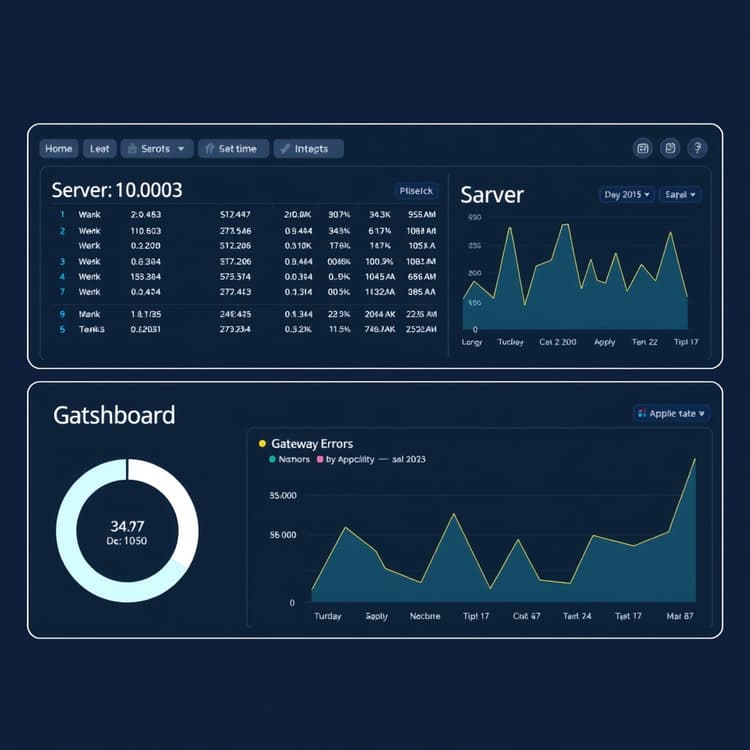
Preventing future gateway failures requires proactive monitoring and automated alert workflows. Set up uptime checks that ping your public endpoints every sixty minutes to catch regressions early. If a sudden outage occurs, your team receives instant notifications before customers notice.
Integrate log forwarders to stream edge error rates directly into your team dashboard. Analyzing historical error trends helps engineers spot memory leaks or crash loops before they escalate. Consistent monitoring ensures your distributed infrastructure remains resilient and highly available.
Building resilient cloud pipelines protects your revenue and customer trust. Combine your edge proxy setup with robust access controls and regular log audits to maintain an uncompromised production environment.
Setting Up Synthetic Uptime Checks
Configure external monitoring tools to test your public application endpoints continuously from multiple global locations. If your endpoint returns any HTTP status code above 400, trigger an immediate alert via Slack or PagerDuty.
Early detection prevents minor configuration drifts from turning into major customer-facing outages. Quick response times keep your engineering metrics high and support tickets low.
Implementing Log Aggregation Strategies
Centralize your background service logs using standard log shippers like Fluentd or Datadog agents. Filter logs specifically for connection errors, handshake timeouts, and upstream unreachable messages.
# Example command to tail live edge connector logs on Linux
sudo journalctl -u cloudflared -f --output=cat
Reviewing these live streams during deployment windows gives your team instant visibility into routing health. Proactive log analysis turns reactive firefighting into predictable infrastructure management.
Frequently Asked Questions
What causes a cloudflare tunnel 502 error?
A 502 error happens when Cloudflare cannot successfully communicate with your local origin server. Common causes include incorrect port bindings, crashed backend services, or TLS protocol mismatches.
How do I update my cloudflared client?
You can update your client by downloading the latest binary from Cloudflare's official repository or using your operating system's package manager, then restarting the system service.
Should my origin server use HTTP or HTTPS?
If your local application runs behind the tunnel daemon on a private network, using plain HTTP is standard since encryption is handled at the Cloudflare edge.
Get the Weekly SMB AI & SaaS Brief
Practical software benchmarks, prompt templates, and ROI breakdowns delivered every Tuesday. No fluff, unsubscribe anytime.