Post-Intrusion Privileged Access: Passkeys and Session Security
WebAuthn passkeys make privileged sign-ins phishing-resistant by binding assertions to the relying-party ID and origin, reducing real-time credential-relay risk compared with TOTP. They do not by themselves stop stolen session cookies or hijacking after authentication, so pair migration with session revocation, device controls, and tested recovery.
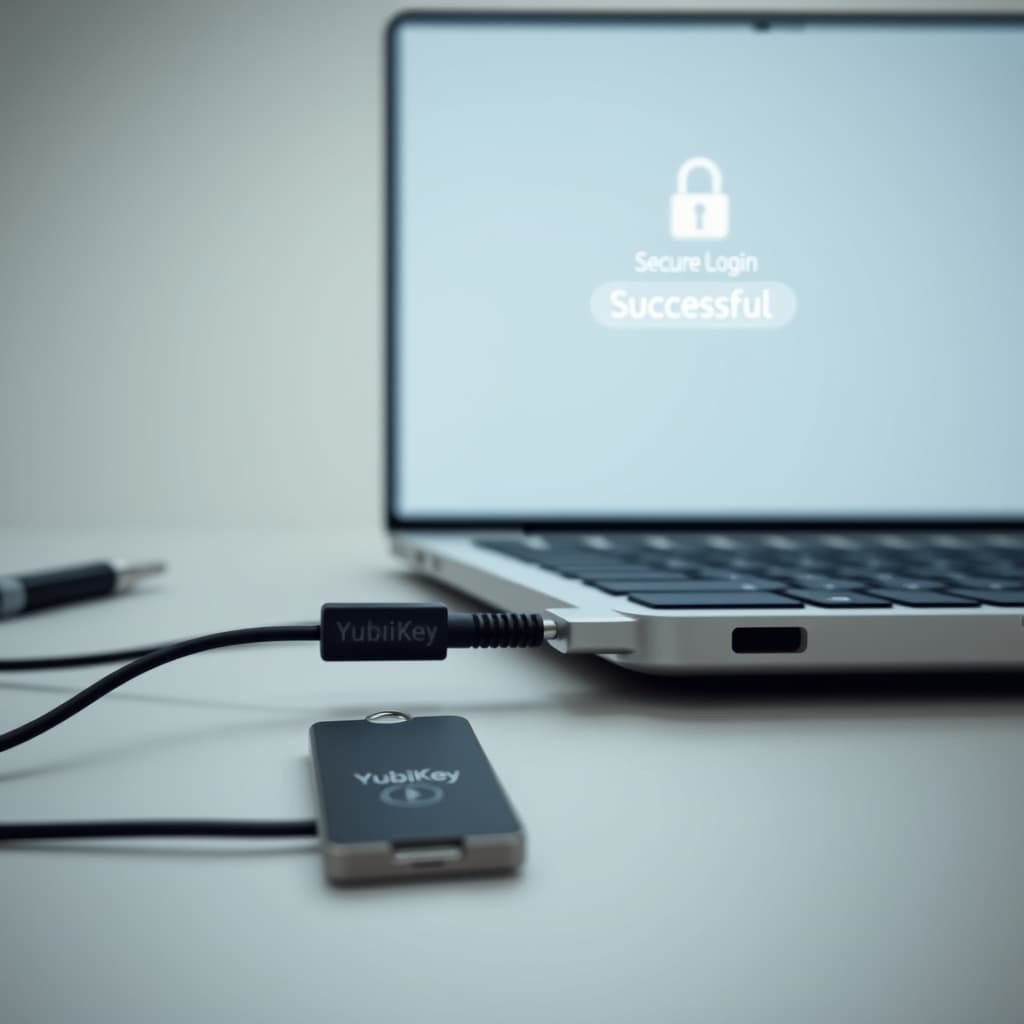
WebAuthn Passkeys for Post-Intrusion Privileged Access

WebAuthn passkeys make privileged sign-ins phishing-resistant by binding authentication assertions to the relying-party ID and browser origin. This substantially reduces real-time phishing proxies that collect and relay passwords and TOTP codes, but it does not prevent theft or replay of an already issued session cookie. Post-intrusion access hardening therefore needs both phishing-resistant authentication and separate session protections, including short session lifetimes, device posture checks where available, rapid session revocation, and endpoint investigation.
TOTP remains useful where stronger methods are unavailable, but its shared secret and manually entered code can be relayed to a legitimate service by a phishing proxy. Prioritize administrators, cloud root or emergency accounts, identity-provider administrators, CI/CD owners, and network-control roles for migration first.
AWS and Identity Signals for TOTP or Session Investigation
Start with evidence rather than assuming that a failed code or session anomaly proves a particular attack. Repeated invalid TOTP entries may result from clock drift, a stale seed after device replacement, user error, account enumeration, or phishing. Likewise, a cookie mismatch can reflect an application deployment, load-balancer affinity problem, browser privacy setting, or session theft. Preserve relevant logs, identify the affected account, and investigate the endpoint before attributing cause.
| Log / Error Message | What It Means | Next Check |
|---|---|---|
CloudTrail ConsoleLogin failure followed by success | May indicate normal retries, password guessing, or an MFA challenge sequence; it does not identify the MFA factor. | Compare source IP, user agent, time, and the user’s expected activity. |
| Assigned AWS IAM virtual MFA device | An IAM virtual MFA device is present and may support TOTP-based MFA. | Confirm whether the account is privileged and schedule removal only after replacement authentication works. |
Application session mismatch or unexpected logout | Could be a session-store, browser, deployment, or token-theft issue. | Correlate application session IDs, IdP sign-in records, endpoint telemetry, and CloudTrail activity. |
Use these AWS CLI checks in the account and Region that retain the relevant CloudTrail events:
aws cloudtrail lookup-events \
  --lookup-attributes AttributeKey=EventName,AttributeValue=ConsoleLogin \
  --max-results 50 \
  --region us-east-1 \
  --query 'Events[].CloudTrailEvent' \
  --output text | jq -r 'fromjson | {eventTime,eventName,userIdentity,sourceIPAddress,userAgent,responseElements,additionalEventData,errorMessage}'

aws iam list-virtual-mfa-devices \
  --assignment-status Assigned \
  --query 'VirtualMFADevices[].{SerialNumber:SerialNumber,User:User.UserName}' \
  --output table

aws iam list-mfa-devices \
  --user-name ADMIN_USER_TO_REVIEW \
  --query 'MFADevices[].{SerialNumber:SerialNumber,EnableDate:EnableDate}' \
  --output table
A successful ConsoleLogin event and additionalEventData.MFAUsed of Yes confirm that AWS recorded MFA, not whether the factor was TOTP, a security key, or another supported method. An assigned virtual-MFA row is evidence of a virtual device; review its owner and business purpose before disabling it. Unrecognized source IPs or user agents are leads, not proof of compromise. If activity is suspicious, first suspend or restrict the affected identity under the incident process, revoke IdP sessions using the IdP’s supported control, rotate exposed credentials, and collect endpoint evidence. Do not use a blanket MFA reset as the only containment action.
Device-Bound Security Keys and Synced Passkeys
A passkey is not inherently hardware-bound. Platform and synced passkeys can be synchronized through an operating-system or browser ecosystem, subject to that ecosystem’s protections and recovery model. Their private keys are still protected from ordinary website access, but an organization must not claim that every passkey is confined to one physical device or that its private key never leaves hardware.
For administrators who require a device-bound deployment, issue explicitly supported FIDO2 security keys or use an authenticator and identity-provider policy that can require the desired authenticator characteristics. Register two separately stored keys for each administrator where the service supports multiple authenticators: one active key and one controlled recovery key. Test both before removing TOTP or other fallback methods.
User verification is also authenticator- and policy-dependent. A FIDO2 key may use a PIN, a local biometric gesture, or another supported user-verification mechanism. A biometric normally unlocks or verifies use of the authenticator; it is not automatically an independent third authentication factor. Require user verification when the relying party supports it, but document the authenticator behavior actually approved for the deployment.
For remote-access environments, apply the same identity requirement before network access. See Tailscale vs OpenVPN: 2026 Remote Access Security Audit for related remote-access control considerations.
WebAuthn Policy Pseudocode for Privileged Groups
WebAuthn policy syntax is product-specific. The following is valid JSON pseudocode, not a deployable AWS, IdP, or gateway configuration. Fields such as allowed_mfa_methods, attachment_type, and fallback_enabled are not portable WebAuthn policy fields. Replace the values marked with REPLACE_ using the documented schema for the selected IdP or access gateway, then validate in a non-production tenant.
{
  "policy_name": "REPLACE_Privileged_Phishing_Resistant_MFA",
  "target_groups": [
    "REPLACE_infrastructure-admins",
    "REPLACE_security-ops"
  ],
  "allowed_mfa_methods": [
    "REPLACE_webauthn_security_key"
  ],
  "webauthn_options": {
    "user_verification": "required",
    "authenticator_attachment": "cross-platform",
    "discoverable_credential": "preferred"
  },
  "fallback_enabled": false,
  "session_controls": {
    "reauthentication_for_sensitive_actions": true,
    "revoke_sessions_on_risk_event": true
  },
  "action": "deny_when_policy_requirements_are_not_met"
}
Discoverable credentials and cross-platform attachment preferences do not, by themselves, prove device binding. In the actual product configuration, verify which authenticator types, recovery methods, session controls, and enrollment restrictions the vendor can enforce.
Privileged Recovery Without Weak Uncontrolled Fallbacks
Do not leave recovery SMS, email resets, or TOTP bypasses enabled merely for convenience. However, removing every recovery path without testing creates a self-inflicted outage. Use a documented recovery process with named custodians, identity proofing, incident approval, and audit records. For highly sensitive accounts, distribute recovery authority so no single person controls all recovery authenticators or approvals.
For AWS root accounts, verify the currently supported MFA and recovery options directly in the AWS account console and AWS documentation before changing controls. Protect root contact channels, monitor root activity, avoid routine root use, and use delegated administrative identities for daily work. Recovery planning should complement—not weaken—phishing-resistant sign-in controls.
For decentralized-storage administration, Reducing IPFS Backdoor Identity Risk With Passkeys covers related identity-risk considerations.
WebAuthn Migration Verification and Legacy MFA Removal
After enrollment, validate each privileged user through a clean browser session, a second approved authenticator, and the intended IdP or cloud access path. Confirm that the selected service recognizes the authenticator type and user-verification requirement you intended to enforce. Then audit virtual MFA assignments and other legacy recovery factors account by account.
Remove TOTP only after the replacement factor and recovery procedure have passed testing. If an immediate exception is necessary, make it time-bound, limited to a named account, approved by the security owner, and logged for removal. Continue monitoring privileged sign-ins, session revocations, and authenticator enrollment changes; WebAuthn reduces credential-relay exposure, while disciplined session and recovery controls address the separate risk of post-authentication hijacking.
Frequently Asked Questions
Can I use my phone as a passkey for high-privilege accounts?
While mobile-based passkeys (using iCloud Keychain or Google Password Manager) are phishing-resistant, they are 'synced' credentials. For high-privilege 'break-glass' access, security best practices dictate using 'hardware-bound' non-syncable keys (like a YubiKey) to ensure the credential cannot be cloned or moved to another device via a compromised cloud account.
What happens if I lose my hardware passkey?
This is why a secondary backup key is mandatory. You should register at least two hardware keys for every critical account. If the primary is lost, use the secondary to log in and immediately revoke the lost key's access to prevent unauthorized use if it is found.
Does moving to passkeys protect against session hijacking?
Passkeys protect against the *initial* theft of credentials via phishing. However, once a session is established, a 'session cookie' exists. To mitigate session hijacking, you must combine passkeys with short session TTLs (Time-to-Live) and Continuous Adaptive Risk Scoring that requires re-authentication via passkey for sensitive actions.
Get the Weekly SMB AI & SaaS Brief
Practical software benchmarks, prompt templates, and ROI breakdowns delivered every Tuesday. No fluff, unsubscribe anytime.