Best AI productivity tools alternatives and real cost breakdown
Evaluating modern AI productivity tools requires a strict financial lens to avoid ballooning software subscription costs. This guide compares four leading platforms, analyzes hidden API fees, and calculates real break-even ROI for growing teams.

Evaluating AI Productivity Tools for Modern Teams

Finding the right AI productivity tools for your business can save hours every week. Software costs add up fast when teams adopt multiple disconnected subscriptions. Teams must weigh upfront subscription fees against actual time saved on repetitive tasks. Choosing the wrong tool leads to wasted budget and low employee adoption rates.
Smart leaders look past flashy marketing claims to inspect actual utility. A good stack integrates smoothly with your current cloud workflow and chat apps. Before you buy any license, you must audit your team's current daily bottlenecks. For deep infrastructure setups, you can also check out our guide on How to Fix AI Workload Bottlenecks with Local LLMs to keep data secure locally.
Top Four AI Productivity Tools Compared in 2026
Let us examine four leading solutions designed to speed up team workflows. Each option brings unique strengths to content creation, task tracking, and data analysis.
- Claude Enterprise: Strong focus on long document analysis and secure coding workflows. Pricing starts around $30 per user monthly for teams.
- ChatGPT Team: Highly versatile general assistant with custom GPT builders and web search. Costs roughly $25 per user monthly on annual plans.
- Notion AI: Perfect for knowledge bases, project management, and automated meeting summaries. Adds $10 per user monthly on top of core workspace plans.
- Perplexity Pro: Excellent for rapid market research and real-time source verification. Runs about $20 monthly per single user seat.
| Tool Name | Core Strength | Base Monthly Price | Team Collaboration | Hidden Cost Risk |
|---|---|---|---|---|
| Claude Enterprise | Code & Analysis | $30 / user | High | High Token Usage |
| ChatGPT Team | General Tasks | $25 / user | High | Add-on GPT Fees |
| Notion AI | Documentation | $10 / user | Excellent | Seat Upgrades |
| Perplexity Pro | Web Research | $20 / user | Moderate | Limited API Access |
Hidden Costs and Infrastructure Expenses to Watch
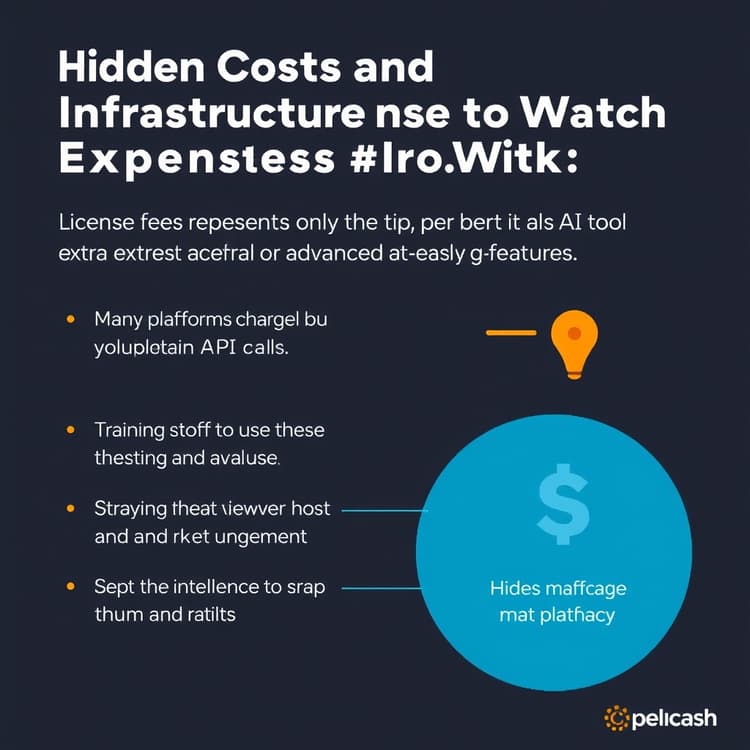
License fees represent only the tip of the iceberg for AI tools. Many platforms charge extra for high-volume API calls or advanced reasoning features. Training staff to use these systems consumes valuable billable hours during the first month.
Security reviews and compliance checks also add unexpected legal and IT overhead. If you rely heavily on cloud models, your internet bandwidth costs might rise. Always factor in these auxiliary expenses before signing an annual corporate contract. Run your numbers through our AI ROI & Productivity Calculator for Small Business to see exact cash flow impacts.
Calculating Real Break-Even ROI for Your Team
Calculating return on investment helps justify software spend to executive stakeholders. Suppose your team of ten employees costs $50 per hour in salary. If an AI subscription saves each person just four hours weekly, that equals 40 hours saved.
Multiply 40 hours by $50 to get $2,000 in weekly recovered labor value. Subtract the $300 monthly software cost from that total output gain. The net monthly return easily justifies the initial tool investment within the first week.
Get the Weekly SMB AI & SaaS Brief
Practical software benchmarks, prompt templates, and ROI breakdowns delivered every Tuesday. No fluff, unsubscribe anytime.